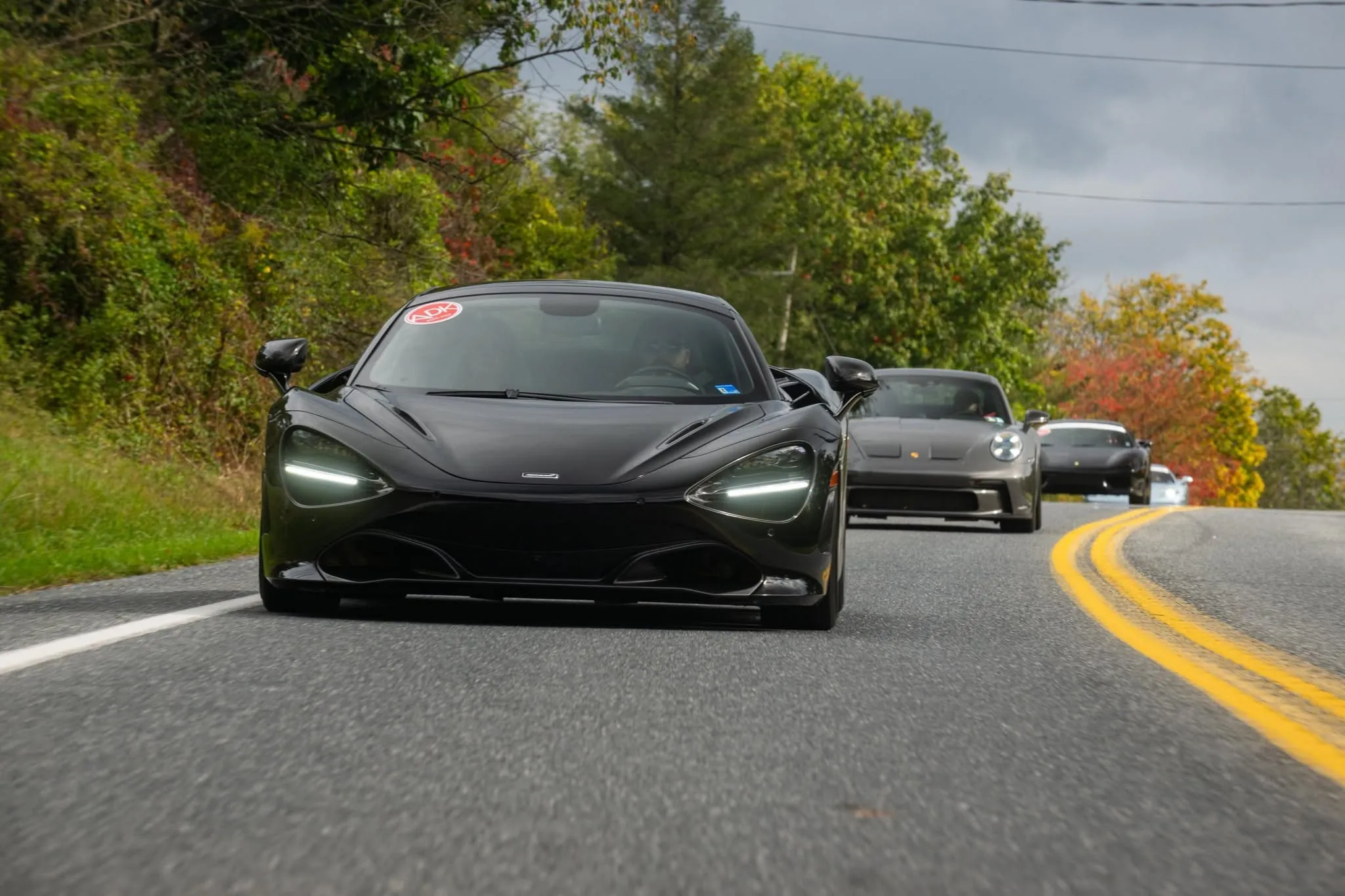
Plan the drive. Tap a road to take it.
Multi-day route planning with stops, room blocks, turn-by-turn text directions and one-tap navigation.
Rallies and cruises live or die by the route. The route planner lets you drop your start, stops and finish, then tap any road on the map to send the route through it. The good roads stay in, the highway slog stays out.
Every day of the rally gets its own route with distances, drive times and plain-English directions for each leg. Attendees open it on their phone with links to Apple Maps, Google Maps and Waze, download a GPX for their nav unit, and book the room block at the overnight stop.
Tap the road you want. The route follows.
Add stops by searching or tapping the map. Want the twisty back road instead of the highway? Tap it and CarScene inserts a waypoint where it adds the least detour.
- Search places or tap the map
- Drag to reorder stops
- Distance and drive time update live
Directions people can actually read.
Each leg turns into a numbered list like "Turn left onto PA 116" with distances, so drivers know what is next even without signal.
- Legs grouped stop to stop
- Arrival times per stop
- Printable route sheet
Everyone has the route in their pocket.
The route lives on the event page and in the app. Start navigation for any leg, download the GPX, and keep the whole group talking in the event chat.
- One tap to navigation per leg
- GPX download
- Event chat for regrouping
Three steps. That is it.
Map day one
Drop the start, stops and finish, then tap the roads you want.
Add the details
Times, notes, fuel stops and the room block link.
Share the route
Attendees get the map, directions and nav links on their phone.
No. The route page works on any phone browser. The app adds native maps.
Yes. Each day gets its own route, stops and directions.
Routing runs on open street data, with an option to switch to Mapbox for production traffic.
Keep exploring
Next: Promote
The scene fits in your pocket.
Post from the meet, find the next one on the drive home, and message the people you just met. CarScene on iPhone and Android.